
Run the venue, not the to-do list.
The lock in Room 2, Saturday’s birthday decor, the new room opening in spring: every job sits in the Planner with an owner and a due date. Changes show up for everyone the moment they happen, so nobody has to ask whether the lock is fixed yet.
 Demo venue · Vienna · City centre
Tasks & projects
Big jobs, broken into small ones.
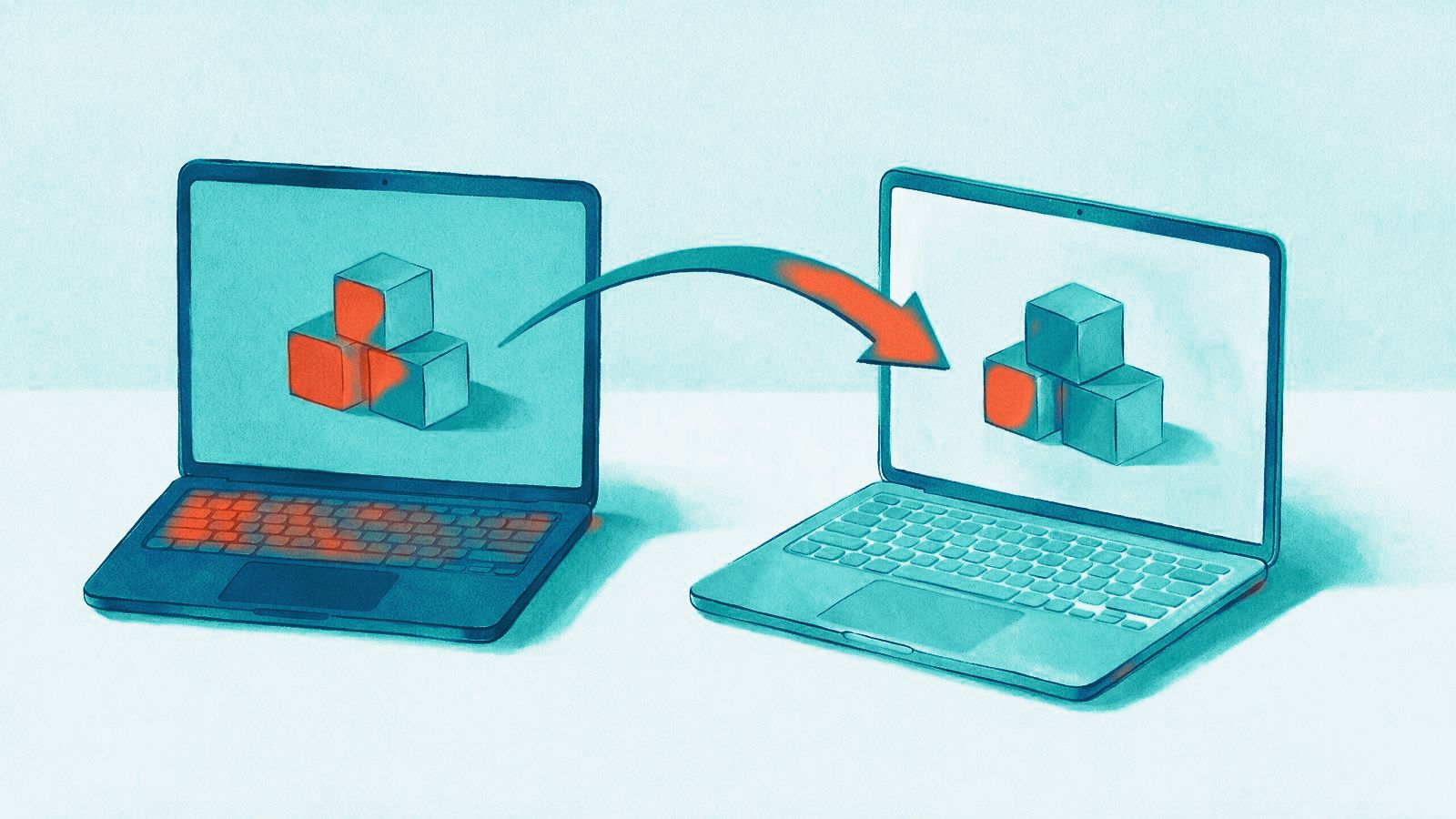
Opening a new room is dozens of small things. Put them in one project, split the big jobs into subtasks and tick them off one by one. Coming from ClickUp? We bring your tasks across.
- ClickUp statuses mapped onto yours, subtasks stay subtasks
- Archived ClickUp tasks come along too
- Time tracked in Time Doctor imported as task time
From a chat message to a task, without retyping.
Select a few lines in the team chat – a handover, a supplier’s reply, the list from the morning briefing – and choose “Create tasks with AI”. Nothing gets copied by hand, and nothing stays buried in the chat.
- One task per action item, each with an owner and a due date
- The AI asks once for anything missing, then creates them all
- On the go, a voice note to the Telegram bot becomes a task
Know what the new room really took.
Every task and subtask collects its own time. Start the timer from the menu bar with the desktop app for macOS and Windows, and afterwards you see what each job took instead of guessing.
- Asks after idle time whether to keep it
- Stops when the screen locks
- Panel, team chat and tasks in one native window
From a voice note to a ticked-off job.
What’s included
Projects, folders, own statuses
Projects in folders per location or department, with the statuses that match the way your venue works.
Subtasks
Break a job into subtasks, each with its own tick; they stay in templates and reopen when a repeating task comes back.
Saved views
Board, table or calendar saved as tabs with their own filters – a board per person, shared with everyone or private.
Templates and automations
Set up recurring work once as a template or a repeating task and let automations take over the routine steps.
My Tasks
Everyone opens My Tasks and sees what is theirs across all projects, without searching through boards.
Live updates
The board updates while people work – no reloading, no second version of the list.
Frequently asked questions
Can Claude or ChatGPT create tasks for us?
Yes, if you allow it. Changes through the AI connectors are off until you switch them on for the workspace, tick them for the connection and give the role permission. Then the assistant can create and update tasks. Nothing can be deleted this way.
How do people find out about a new task?
Through notifications in Leisbase, by email or on Telegram, plus a digest of their open tasks. Each person picks their channels.
Can we use the Planner on a phone?
Yes. The mobile app for your team includes tasks, and the Planner runs in any browser.
From the blog



See Leisbase with your setup.
We’ll show you the system with your locations, rooms and prices – and talk through how your data moves across.