
Game, drinks, one bill.
The till is a tab next to your bookings, not a second system. Walk-ins, drinks, gift cards and the booked game go into one cart, and the stock of every location counts down as you sell.

Point of sale & stock
From product to paid without leaving the board.
Products sit in folders, and the cart shows subtotal, discount, VAT included and total. At checkout the desk picks paid now, pay later or waiting for payment – and the method.
- Redeem a gift card on the same check, partial amounts included
- “Final price”: enter what the group pays, and the rest comes off as a discount
- Open checks stay open until the table has paid; “New check” serves the next guest
Stock that counts itself, per location.
Products and folders are managed once, and each location keeps its own stock of them. Every product card at the till shows what is left, and every sale or delivery is booked as a stock movement.
- The last movement of each product, from a sale to a delivery, at a glance
- Stock that does not sell and profit from cost prices in 360° analytics
- Shared desk devices lock themselves when nobody has used them for a while
One invoice for the whole team event.
A company books two rooms at the same time and drinks for twenty – and it all goes on one invoice addressed to the company. Every line shows quantity and amount, with net, VAT and total below, as a PDF ready at the desk.
- Company name, address and VAT number come from the booking, or the desk adds the company
- Anything still open goes out as a payment link with a validity period
- The VAT report can be filtered by that company later
The desk knows who still has to pay.
The bookings list shows tonight’s groups with their status and how many players have checked in. A booking waiting for payment stands out, and the desk opens it, adds the drinks and takes the rest on one check.
- A deposit paid online is already deducted from what is open
- A live notice when a booking comes in or is cancelled during the shift
- If a group does not turn up, the no-show fee becomes an unpaid fee with a payment request
From the walk-in to the settlement report.
What’s included
Combos on the check
Next to games and the bar, the till sells combos of several games as a single item.
Walk-ins, no details needed
Book a walk-in group without contact details, and send a confirmation by email, SMS or WhatsApp if the guest wants one.
“Our offers” at the till
Standing offers such as a “second game” discount, group rates, free players or partner vouchers, picked on the check – with a document check where needed, and the same offers in the booking widget.
Every payment traceable
Cash, card terminal, bank transfer or another method; for terminal payments the till asks for the last four card digits.
Gift cards at the desk
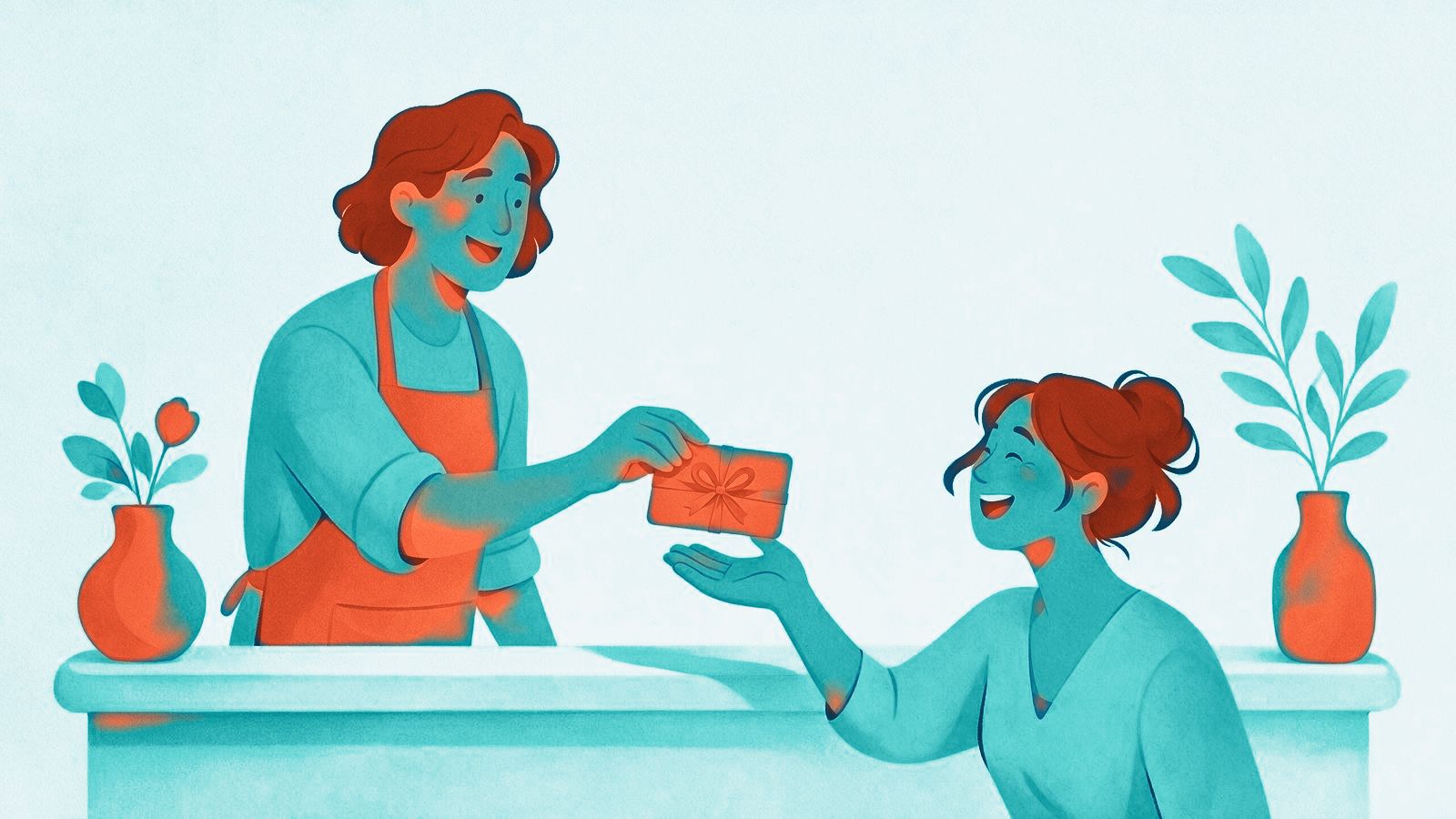
Sell paper vouchers for any amount, or several gift cards in one order, right at the till.
VAT and settlement
Every desk sale feeds the VAT report and the settlement between your locations.
Frequently asked questions
Can staff use the till on a phone?
Yes, in the mobile app for your team. It brings today’s bookings and the till to a phone, next to team chat, tasks and the time clock.
Can we bring our data from our old till?
If you used Imonggo POS, Leisbase can import it. For other systems we help you move your products and data.
How do refunds work?
Refunds run automatically or by hand, set per payment provider. “Return” sends overpaid money back to the original payment method or turns it into a new gift card.

See Leisbase with your setup.
We’ll show you the system with your locations, rooms and prices – and talk through how your data moves across.