
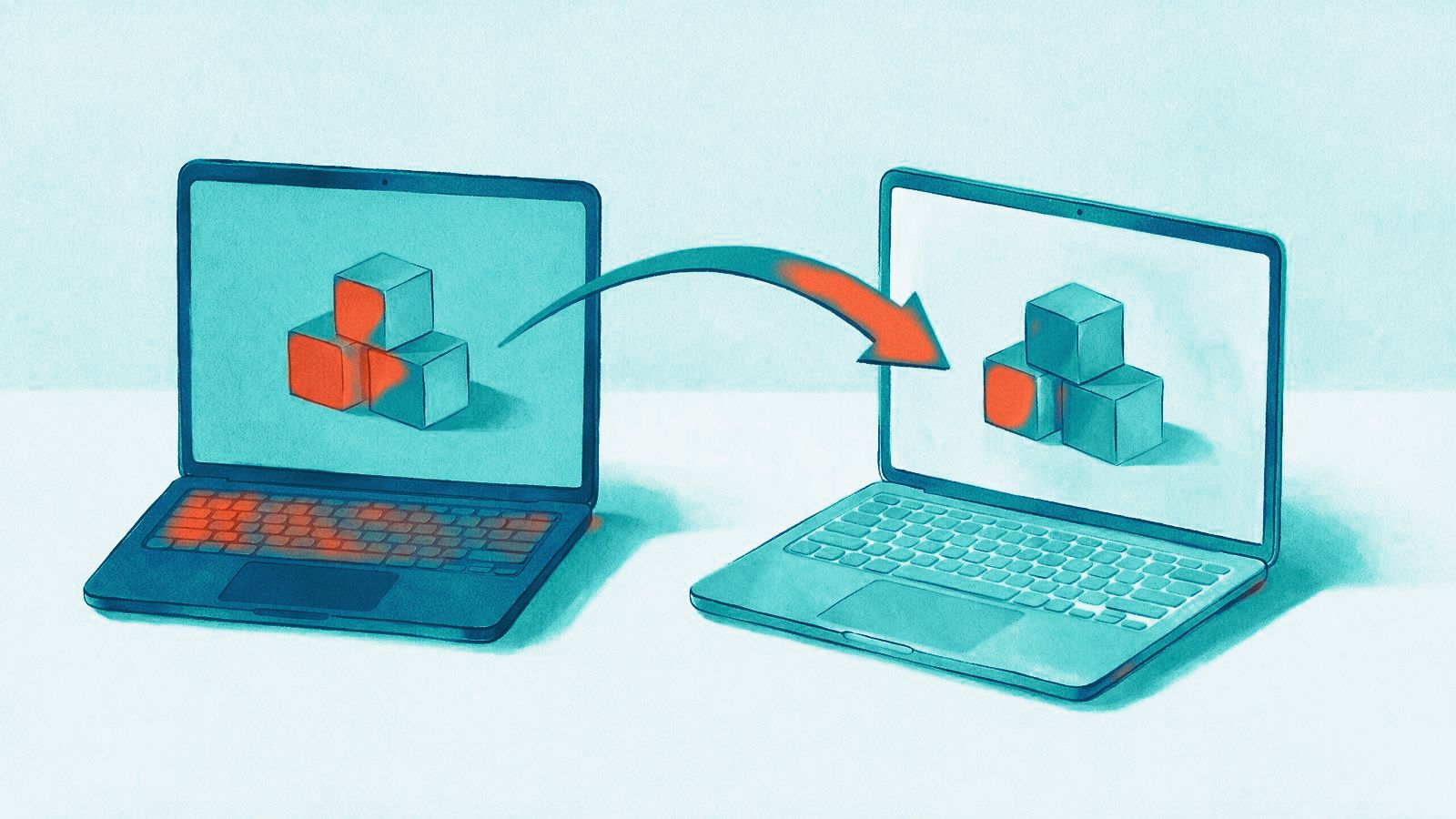
The scariest part of leaving a booking system isn't the new software. It's the future bookings, the outstanding gift vouchers and the customer list sitting inside the old one. Lose any of that in transit and the first week becomes a very long one.
Whether you're coming from Bookeo, another booking tool or a spreadsheet, the steps are the same. Take them in order, give yourself enough time, and nobody's booking goes missing.
1. Plan before you touch any data
Pick a quiet period for the switch. Not December, not the week before the school holidays. Then write down everything that lives in your current system:
- Rooms and activities, opening hours, prices and special prices.
- Future bookings, including deposits already paid.
- Customers and newsletter contacts.
- Gift vouchers that are still open, including plastic cards in circulation.
- Everything connected to it: the booking widget on your website, payment provider, tracking pixels, email templates.
Then choose a cut-over date: the day from which new bookings go into the new system only.
2. Export from the old system
Ask your old provider early how to export your data, ideally as CSV. Some tools only export part of what you need, or only through their support team, and you want to know that weeks before the cut-over, not days. The exports that matter:
- Customers: names and emails at minimum, plus newsletter consent where you have it.
- Open vouchers: codes or card numbers, balances and expiry dates.
- Future bookings: date, time, activity, group size, contact and payment status.
3. What Leisbase can import
Be clear about this up front, so there are no surprises:
- From Bookeo: your bookings, from a Bookeo bookings report (Excel or CSV). Bookings already in your Leisbase calendar are recognised and skipped, so you can import again closer to the switch.
- From Escape Navigator: data via API or CSV, and new, moved and cancelled bookings sync live while you run both systems.
- From Fever and Imonggo: orders from Fever (also as a live sync), products, customers and sales from the Imonggo till.
- From any other tool: contacts via CSV, and existing plastic-card numbers via CSV, so cards already in your guests' wallets stay in use.
Rooms, schedules and prices are set up fresh in Leisbase – a good moment to tidy up price rules that have grown over the years. Future bookings and other data from tools without an import are best handled through the parallel run below. We help you move your data and tell you honestly what can be imported from your current setup.
4. Run both systems side by side
From the cut-over date, switch the booking widget on your website to Leisbase, so every new booking lands there. Bookings already made in the old system stay there until they have taken place. During this overlap, your team checks both systems every day, until the last old booking has been played.
Do the same for vouchers from the old system that aren't imported: keep the list at the till and redeem them against it until they've been used up or expired.
Don't cancel the old subscription on day one. Keep read access for at least a few weeks after the last old booking, as a reference for any edge case that surfaces.
5. Train your team before the first real booking
Before the cut-over, run through the full day with test data: a test booking, a test refund, a voucher redemption at the till, a check-in with a waiver. Set up roles and permissions so each person sees what they need. Then walk each role through their own tasks: the front desk through the till and check-in, managers through schedules and reports. The Leisbase Academy can hold your own training material for new staff later on.
What guests notice
Nothing, ideally. Their existing bookings are honoured, their vouchers still work, and the only visible change is a new booking page. The bar for a good switch is that your busiest regular never finds out it happened.
If you're weighing a move, request a demo and tell us which tool you use today. We'll go through your data with you and help you move it.